A little pause.
A safer choice.

When a call feels wrong,
find your next safe step.

Check the words. Spot the pressure.
Look out for the people who matter.

For you. Your parents. The people you look out for.

Call & message checksEnglish, हिन्दी & Hinglish in the appClear evidence. Practical next steps.

Sounds convincing.
Look a little closer.

A scam often reveals itself in what it asks you to do. Try these messages, change the words, and see which warning signs the local checker finds.

This is a working demonstration. Real local rules run in your browser. Your pasted text stays here.

Have a recording? Check it in the app
Try a message checkRuns locally
Written example · editable

A warning check, not a guarantee. It cannot verify a caller, sender, or voice.

Different stories.
The same pressure.

See how everyday scams work, what to look for, and how VaniShield helps you take a safer next step.

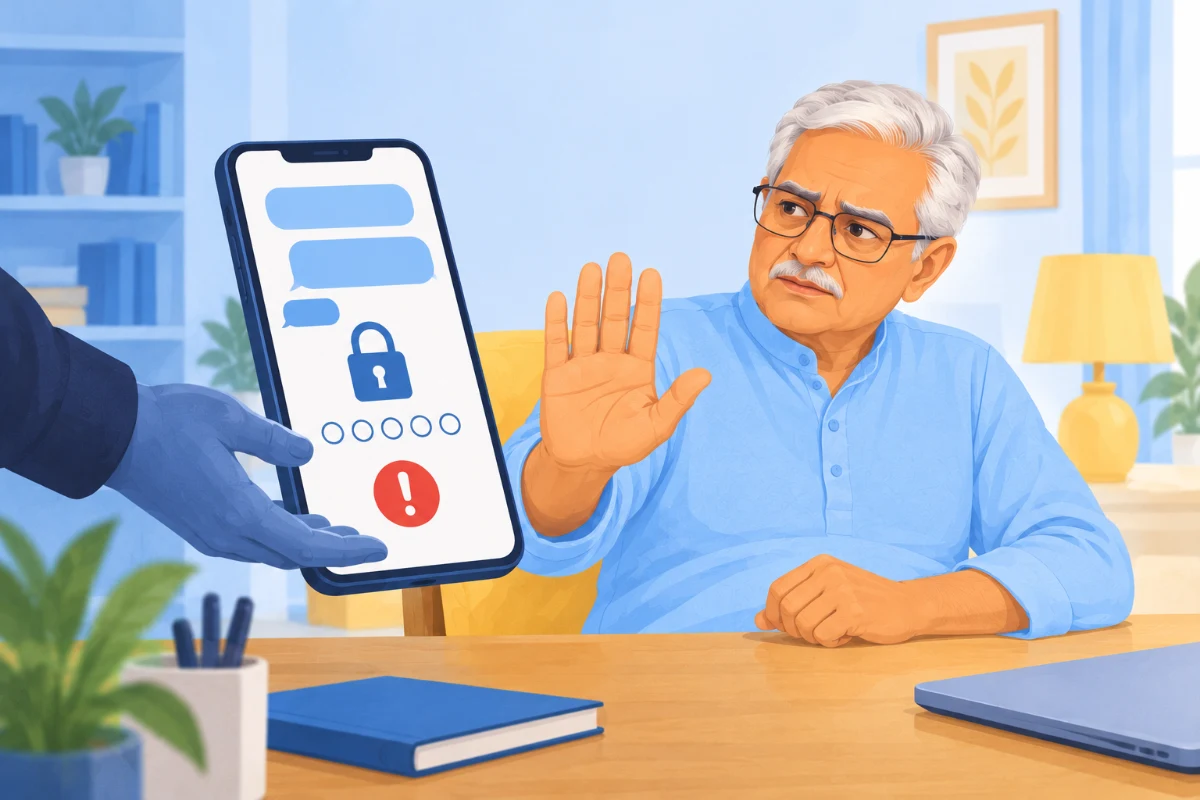
Illustration of an older man spotting a suspicious passcode request on his phoneThe OTP trap

“Just share the code.
We’ll fix your account.”

A caller claims to be from your bank. Your account will be blocked, they say. All they need is the OTP that just arrived.

The warning: a request for your OTP or PIN. Paste the message into VaniShield to see the exact words that triggered the warning.


Illustration of an older man pausing a suspicious remote-access download on his laptopThe remote-access request

“Install this app.
We need to help you.”

A convincing support agent asks you to install an app and share your screen. A helpful-sounding request can put your phone, banking details, and passwords at risk.

The warning: giving an unfamiliar caller control of your device. VaniShield looks for remote-access requests in messages and call transcripts.

Illustration of a fake officer calling an older man who stops the suspicious callThe intimidation call

“You’re under arrest.
Don’t disconnect.”

An official-sounding voice demands secrecy and immediate payment. Fear makes it harder to think. You can end the call and verify through an independent, official channel.

The warning: threats, secrecy, and money under pressure. Review a recording or transcript, see the evidence, and read practical next steps aloud.

Your next step.
Made a little clearer.

One calm workspace for the things that feel suspicious. Bring the message, look at the evidence, and choose what to do next.

Open your safety desk

Check a call, your way.

Upload a recording, paste a transcript, or start live microphone or shared-tab listening. Groq Whisper transcribes audio after your consent.

Understand what stood out.

See the actual words behind each warning. Read straightforward next steps in English or Hindi, with larger text and read-aloud controls.

Keep what you need.

Save a check to your local account or download a password-protected report. Demo mode lets you explore without creating an account.

Your family’s business.
Not everyone’s business.

Your account lives here.

Accounts and saved reports stay in a local SQLite database on this computer. No cloud database. Saving a report is your choice.

Audio has a clear destination.

When you choose transcription, audio is sent to Groq. The app asks for consent first and does not save recordings. Pasted text checks stay local.

Useful help. Honest limits.

This prototype cannot prove a message is safe, detect cloned voices, or automatically hear ordinary mobile calls. Live updates take several seconds. Always verify independently.

A few things you
might be wondering.

Can I try it without an account?

Yes. The message demonstration on this page needs no account. The app also has a demo button with a separate guest session. Demo history is not saved.

Does it work in Hindi?

The app interface and warning guidance support English and Hindi. Rules also cover common Hinglish phrases. Transcription can be set to Hindi, English, or automatic detection.

Is every check an AI prediction?

No. Groq Whisper provides speech transcription. Warning checks use local rules, with the relevant evidence shown to you. There is no validated fraud or voice-authenticity prediction model.

Does it listen to my calls automatically?

No. You choose when to start and stop listening. Microphone mode can hear a phone on speaker nearby. Shared-tab mode needs a browser tab and audio-sharing permission. Ordinary mobile calls cannot be intercepted by this website.

Look out for each other.
We’ll help you look closer.

Open your safety desk Or, explore the demo